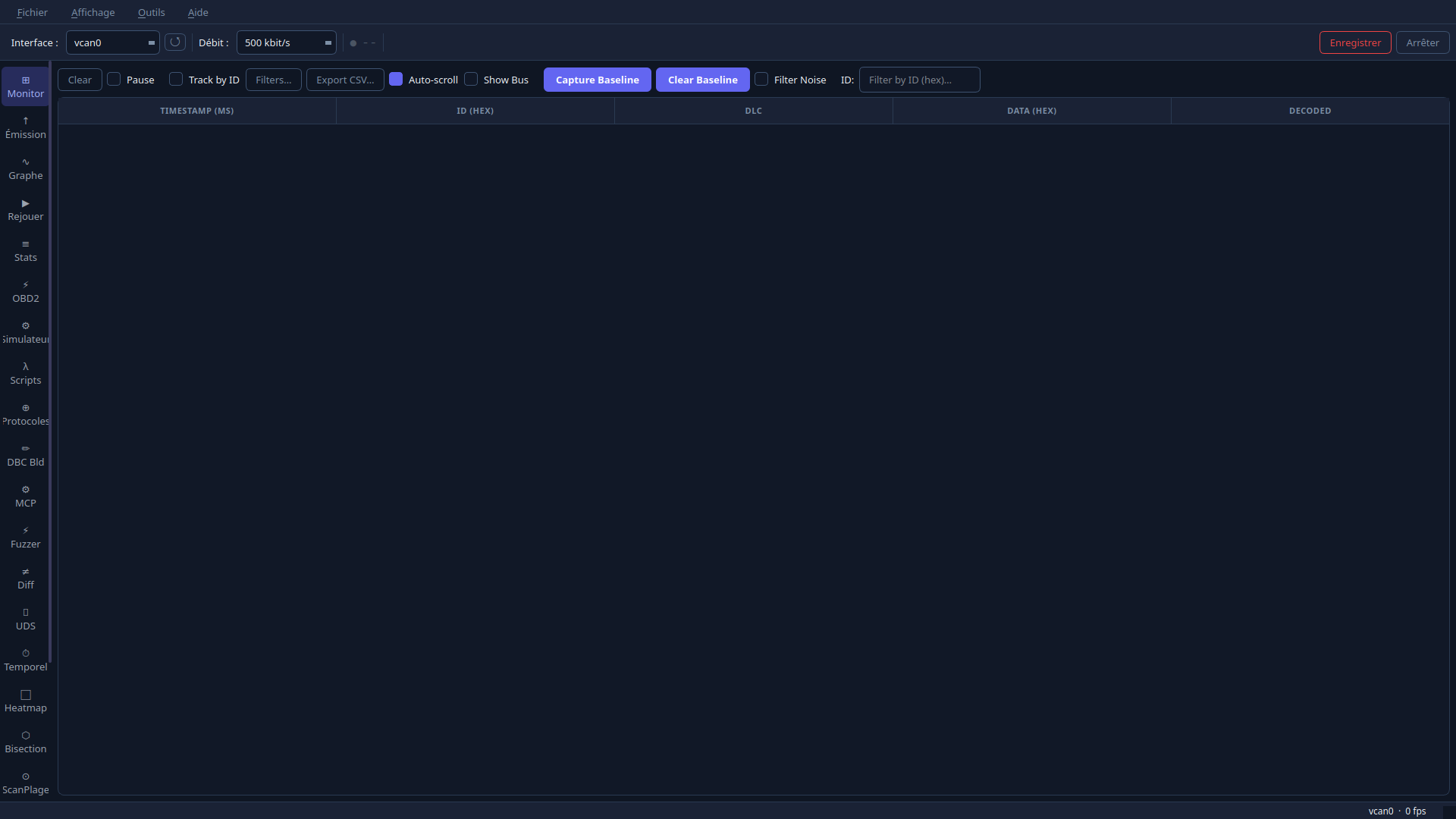
Live frame monitor, DBC signal decoding, real-time graphs, protocol decoders, Lua scripting, UDS testing and a Claude MCP server — all running on native SocketCAN. 100% local, no telemetry, no cloud. Moniteur de trames en direct, décodage de signaux DBC, graphes temps réel, décodeurs de protocoles, scripts Lua, tests UDS et serveur MCP pour Claude — le tout sur SocketCAN natif. 100% local, aucune télémétrie, aucun cloud.
Everything in v0.8.7 ships today. Brand-new suite panels are in beta. Deeper ECU Studio interconnection is on the way.
Tout ce qui est en v0.8.7 est livré aujourd'hui. Les tout nouveaux panneaux de la suite sont en bêta. L'interconnexion poussée avec ECU Studio arrive.
No account, no server, no subscription — every feature runs on your machine.
Sans compte, sans serveur, sans abonnement — tout tourne sur votre machine.
Captured on a live vcan0 bus. Click any image to enlarge.
Capturées sur un bus vcan0 réel. Cliquez sur une image pour l'agrandir.
SocketSpy is a sub-program of the ECU Studio Suite. ECU Studio flashes a map onto an ECU — then SocketSpy confirms live on the CAN bus that the change took effect at the right operating point.
SocketSpy est un sous-programme de l'ECU Studio Suite. ECU Studio flashe une cartographie sur un calculateur — puis SocketSpy confirme en direct sur le bus CAN que la modification a pris effet au bon point de fonctionnement.
Self-contained AppImage with Qt6 bundled. Runs on any x86_64 Linux with SocketCAN. No installation, no root required.
AppImage autonome avec Qt6 intégré. Fonctionne sur tout Linux x86_64 avec SocketCAN. Sans installation, sans root.
If the Linux kernel knows about it, SocketSpy detects it automatically.
Si le noyau Linux le connaît, SocketSpy le détecte automatiquement.